01
DES-010

SOLIDWORKS MBD
Model-based definition tools for communicating manufacturing information directly in 3D.
Subdivision and freeform modeling tools for creating organic shapes, concept surfaces, and industrial design geometry.
A complete 3D CAD environment for engineering teams — and a partner who helps you choose, deploy, and adopt it confidently.
3D Sculptor is a design role that runs in the cloud, for designers to create, review and evaluate complex shapes. With easy-to-use push and pull functionality, you can simply pick up your connected device anytime inspiration strikes.
Use this solution to improve the way your team creates, documents, reviews, and prepares product designs. Khodiyar Infotech helps you choose the right SOLIDWORKS software, plan licensing, train users, and support adoption after implementation.
Ideal for industrial designers, mechanical engineers and digital artists, 3D Sculptor has subdivision (Sub-D) surface modeling capabilities, plus built-in collaboration and data management.
No need for expensive hardware. 3D Sculptor provides the freedom to design anytime, anywhere on your computer, phone or tablet.
Save time and IT costs typically associated with complex software. With 3D Sculptor updates, you don’t have to worry about upgrades, service packs or installation.
Prepare manufacturing-ready data with guidance from Khodiyar Infotech, including software selection, licensing, training, and adoption support.
Key workflow areas where this solution helps teams improve productivity, accuracy, and collaboration.
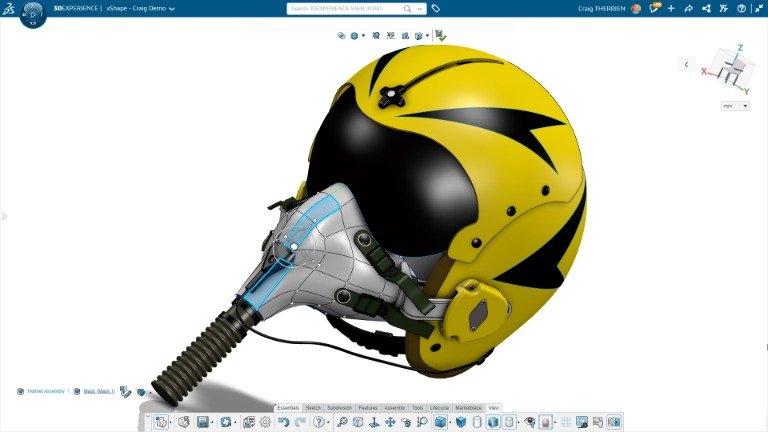
3D Sculptor includes the xShape app, a powerful Sub-D modeling tool that helps designers create smooth, complex, and stylized surfaces with simple push-and-pull controls. It also supports sketch-based guides and can convert subdivision surfaces into NURBS geometry for further design use.
Request Guidance →
3D Sculptor includes built-in data management and collaboration tools that help teams work on designs without worrying about file versions or rework. Designers can make shape changes anytime, share updates with stakeholders, and use clean, accurate geometry for downstream design and engineering workflows.
Request Guidance →
3D Sculptor makes organic surface development easier with freeform Sub-D modeling tools that help designers shape smooth, ergonomic, and stylized forms quickly. It is ideal for products with curved, flowing, or complex surfaces where traditional parametric modeling can take more time and effort.
Request Guidance →
3D Sculptor works seamlessly with SOLIDWORKS desktop and other 3DEXPERIENCE Works solutions, making it easy to import, export, and continue designs across platforms. When changes are made in 3D Sculptor, connected models can update automatically, helping teams maintain a smoother design workflow.
Request Guidance →
Use this section only when package comparison is relevant. Khodiyar Infotech can help you select the right license based on your workflow.
| Feature | Standard | Professional Recommended | Premium |
|---|---|---|---|
| 3D Part Modeling | ✓ | ✓ | ✓ |
| Assembly Design | ✓ | ✓ | ✓ |
| 2D Drawings | ✓ | ✓ | ✓ |
| Design Reuse Tools | ✓ | ✓ | ✓ |
| CAD Libraries | — | ✓ | ✓ |
| Manufacturability Checks | — | ✓ | ✓ |
| Cost Estimation | — | ✓ | ✓ |
| Photo-Realistic Rendering | — | ✓ | ✓ |
| Advanced Component Libraries | — | — | ✓ |
| Design Validation | — | — | ✓ |
| Motion Analysis | — | — | ✓ |
| Routing Tools | — | — | ✓ |
| Advanced Simulation | — | — | ✓ |
| Cloud Collaboration | — | ✓ | ✓ |
| Data Management Support | — | — | ✓ |
| Training and Support | ✓ | ✓ | ✓ |
Khodiyar Infotech can help you compare Standard, Professional, and Premium options based on your actual workflow.
Three ways to deploy SOLIDWORKS Design — pick the model that fits how your team actually works.
Ideal for individual designers, engineers, or professionals who need dedicated access.
Suitable for engineering teams, shared workstations, and controlled business environments.
For teams that need collaboration, review, and connected workflows across locations.
We do more than provide software. We help your team select, implement, learn, and use SOLIDWORKS with confidence.
Understand which SOLIDWORKS product and package fits your workflow.
Get clear guidance before investing in software.
Get assistance with setup, deployment, and onboarding.
Help your team build practical skills and use the software effectively.
Software value depends on how confidently your team can use it. We provide practical training to help users improve speed, accuracy, and workflow confidence.
Get up to speed on SOLIDWORKS fundamentals — modeling, sketching, drawings, and assemblies.
Tackle complex modeling techniques, surfacing, sheet metal, and weldments with expert guidance.
Train teams on shared workflows, design standards, libraries, and PDM best practices.
Model-based definition tools for communicating manufacturing information directly in 3D.
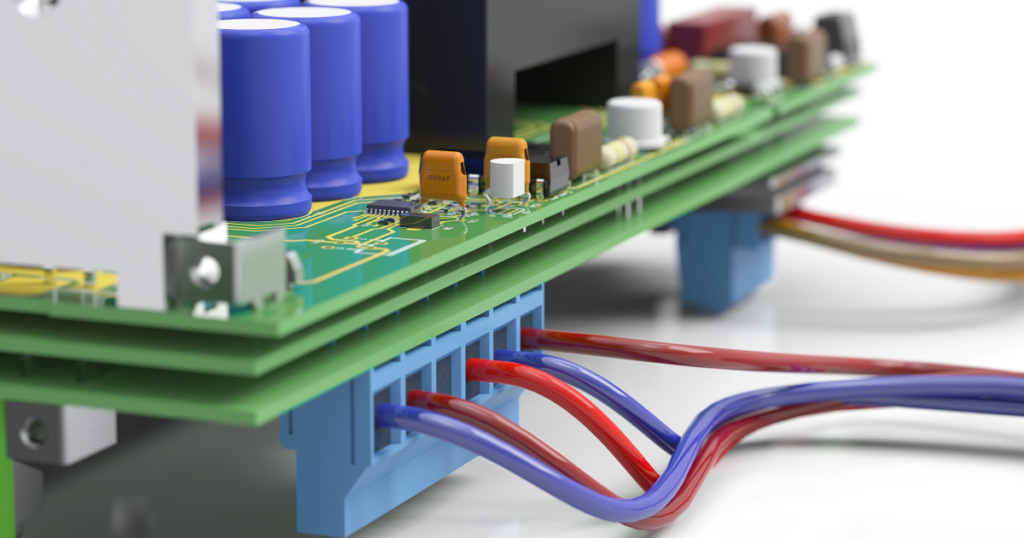
Connect ECAD and MCAD workflows for better electronics and mechanical design collaboration.
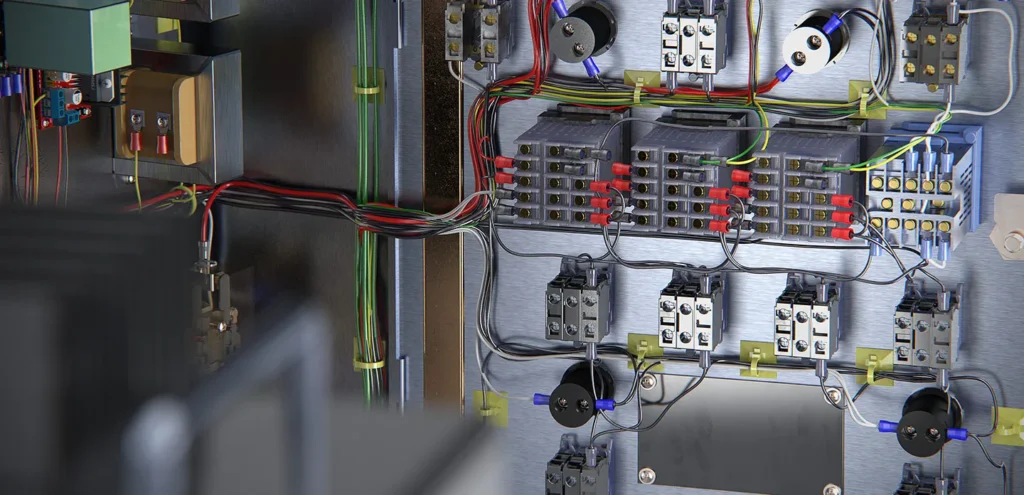
Combined electrical schematic and 3D electrical design capabilities.
Machine design, product design, electrical design, drafting, electronics integration, and manufacturing documentation.
From concept models to production-ready releases.
Machines, fixtures, and assemblies at scale.
Tier-N component design, validation, and release.
Discrete production teams shipping real hardware.
Design firms delivering CAD work for clients.
Institutes preparing the next engineering cohort.
Common questions teams ask before selecting, implementing, or training users on this solution.
It is used for 3D CAD modeling, assembly design, drawings, documentation, and product development workflows.
The right package depends on your workflow, required features, team size, and future requirements. Khodiyar Infotech can help you compare options.
Yes — Khodiyar Infotech assists with setup, installation guidance, and onboarding support.
Yes, training can be provided for beginners, advanced users, teams, and product-specific workflows.
Yes — book a demo or speak with the Khodiyar Infotech team. Demos can be done online or on-site.
Yes. We can help compare products, packages, licensing options, and training needs side-by-side.
Khodiyar Infotech can help you understand licensing, implementation requirements, training options, and the right next step for your team.